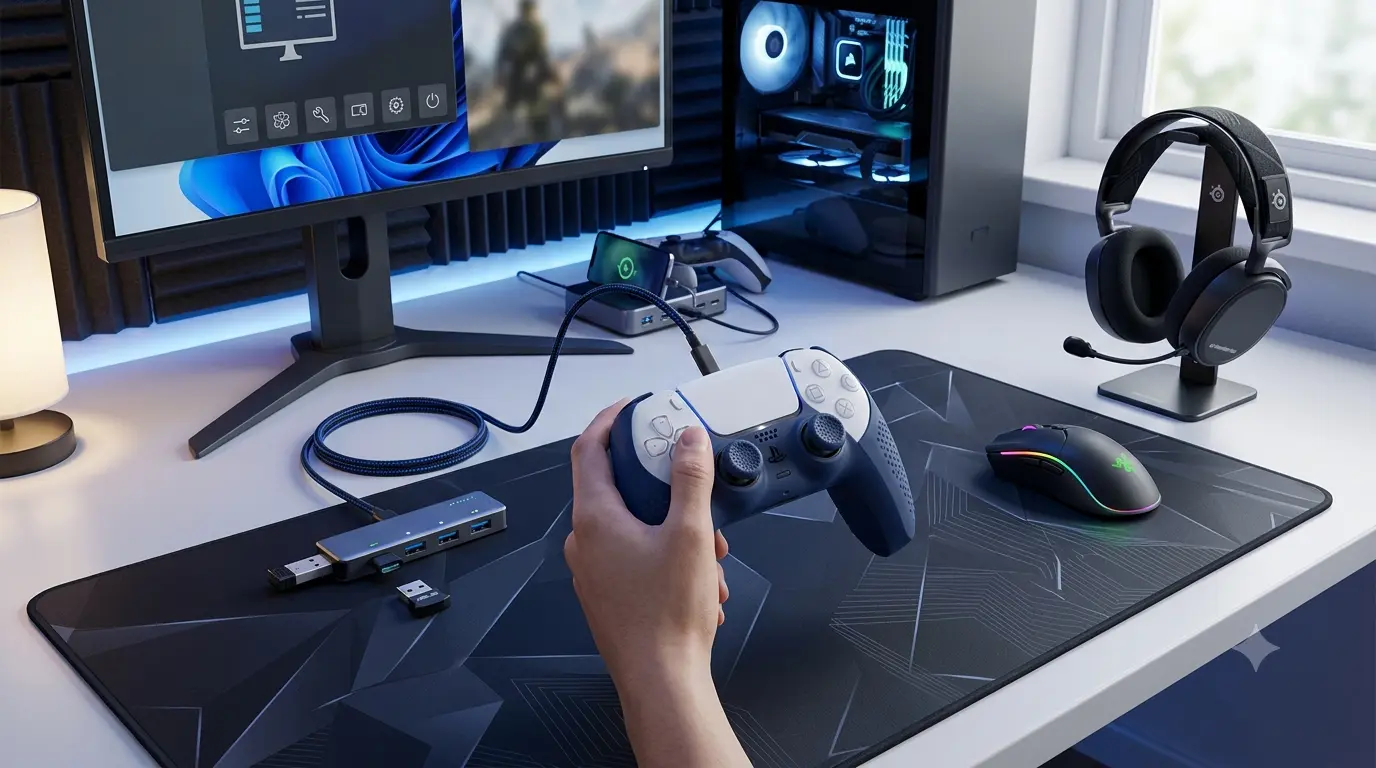
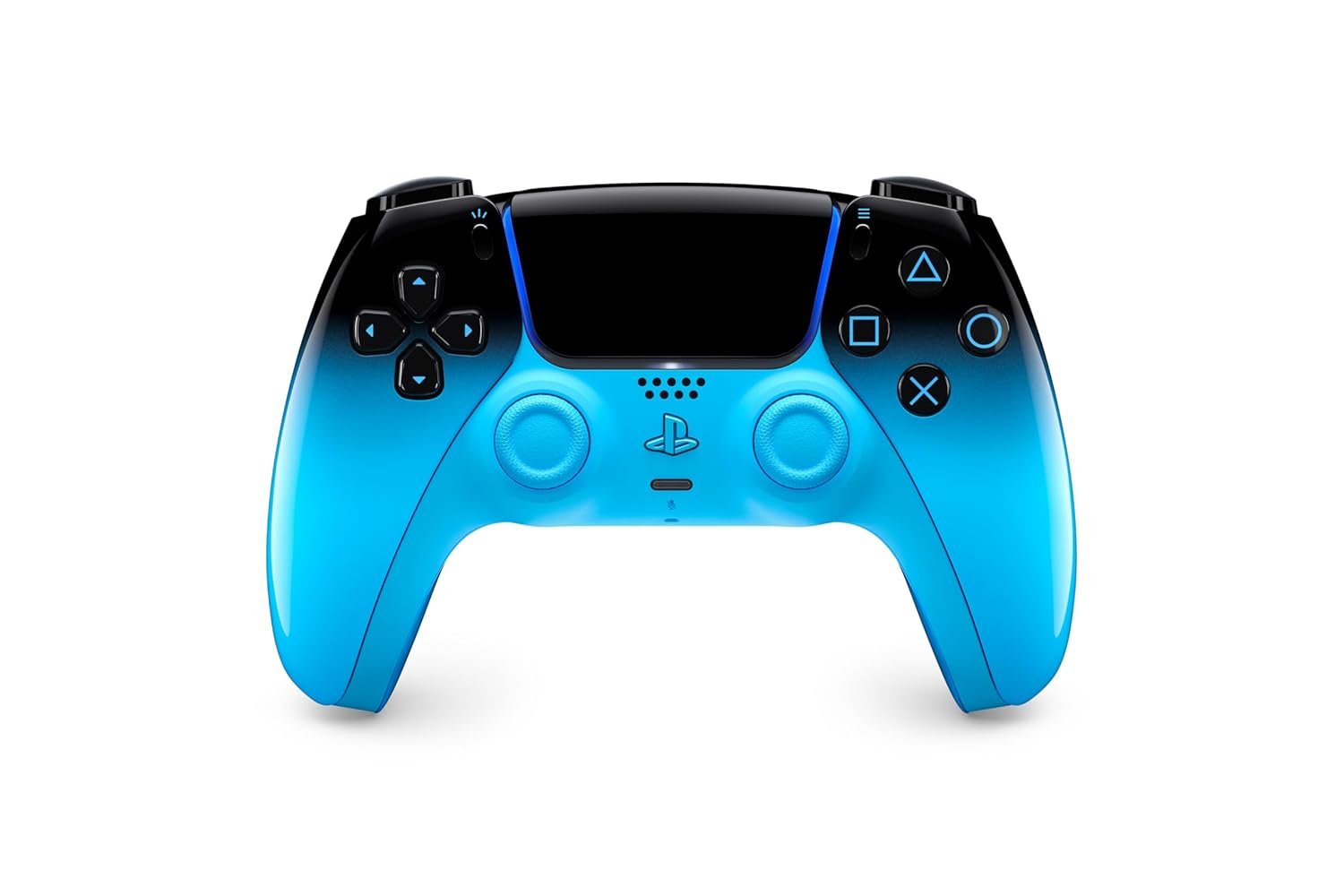
Features:
Remappable back paddles · Replaceable stick modules · Adjustable trigger stops · Custom profiles · Adjustable controls
Why You Should Have This Product
Get more control without taking your thumbs away from the sticks. The customizable back controls and adjustable triggers make this especially useful for competitive PC gaming.
Check on Amazon →
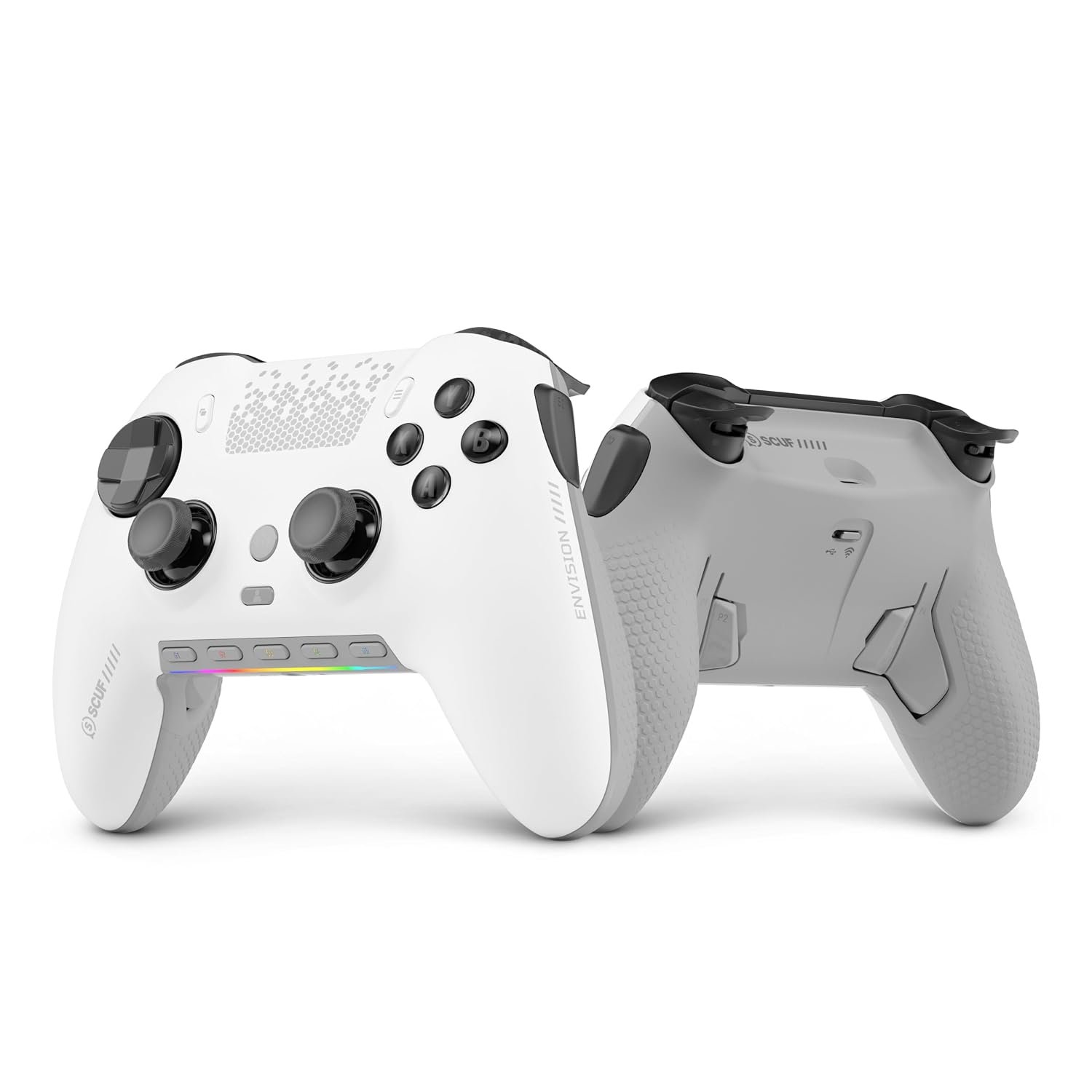
Features:
Rear paddles · Performance grip · Remappable controls · Interchangeable thumbsticks · Wireless connectivity
Why You Should Have This Product
The rear paddles let you access important commands without moving your thumbs from the sticks, making the layout particularly attractive for fast-paced games.
Check on Amazon →
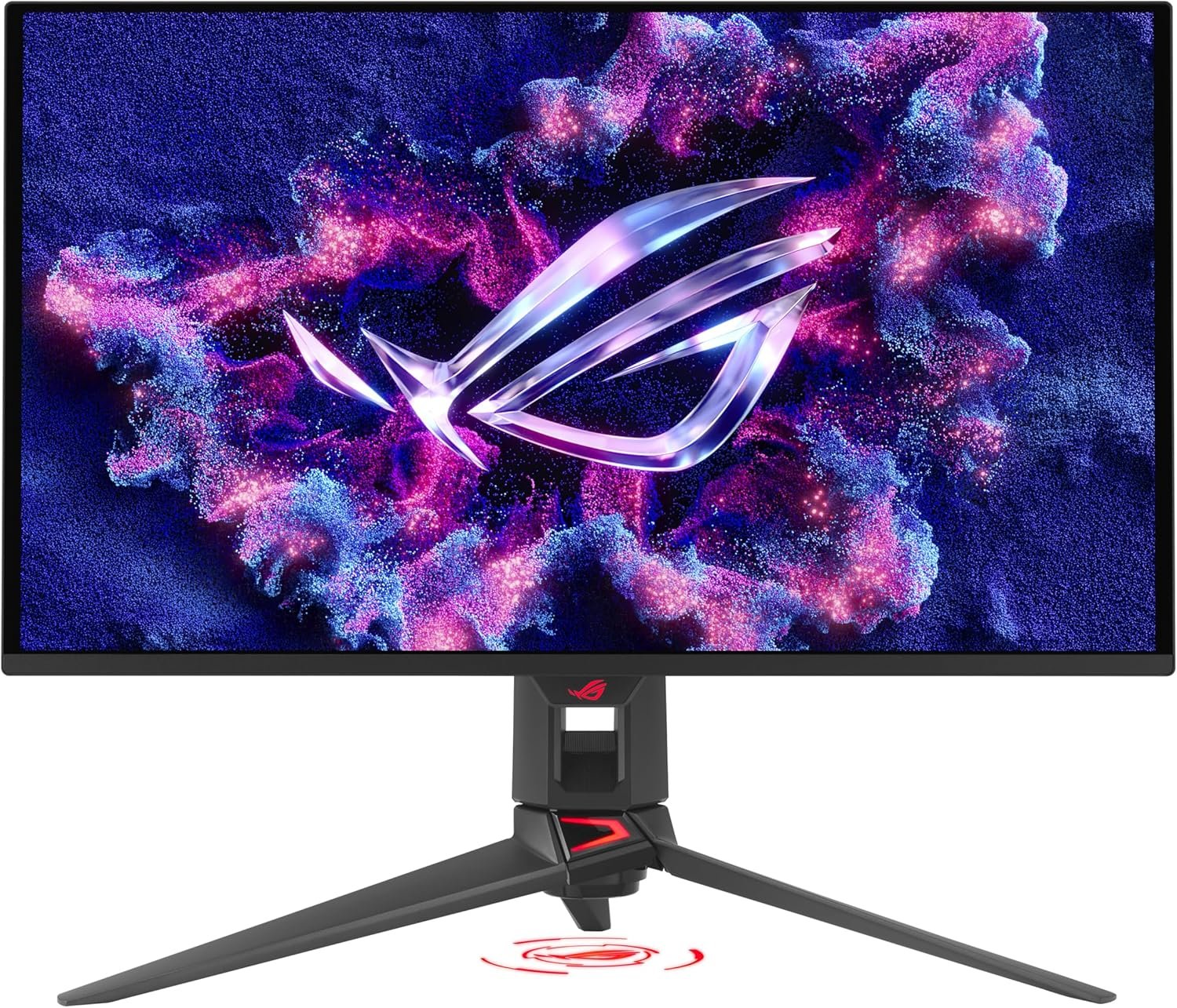
Features:
OLED display · 240Hz refresh rate · 0.03ms response time · QHD resolution · G-SYNC compatibility
Why You Should Have This Product
A high-refresh OLED panel gives fast-moving games a smoother, clearer presentation, making it a strong upgrade for a serious competitive setup.
Check on Amazon →
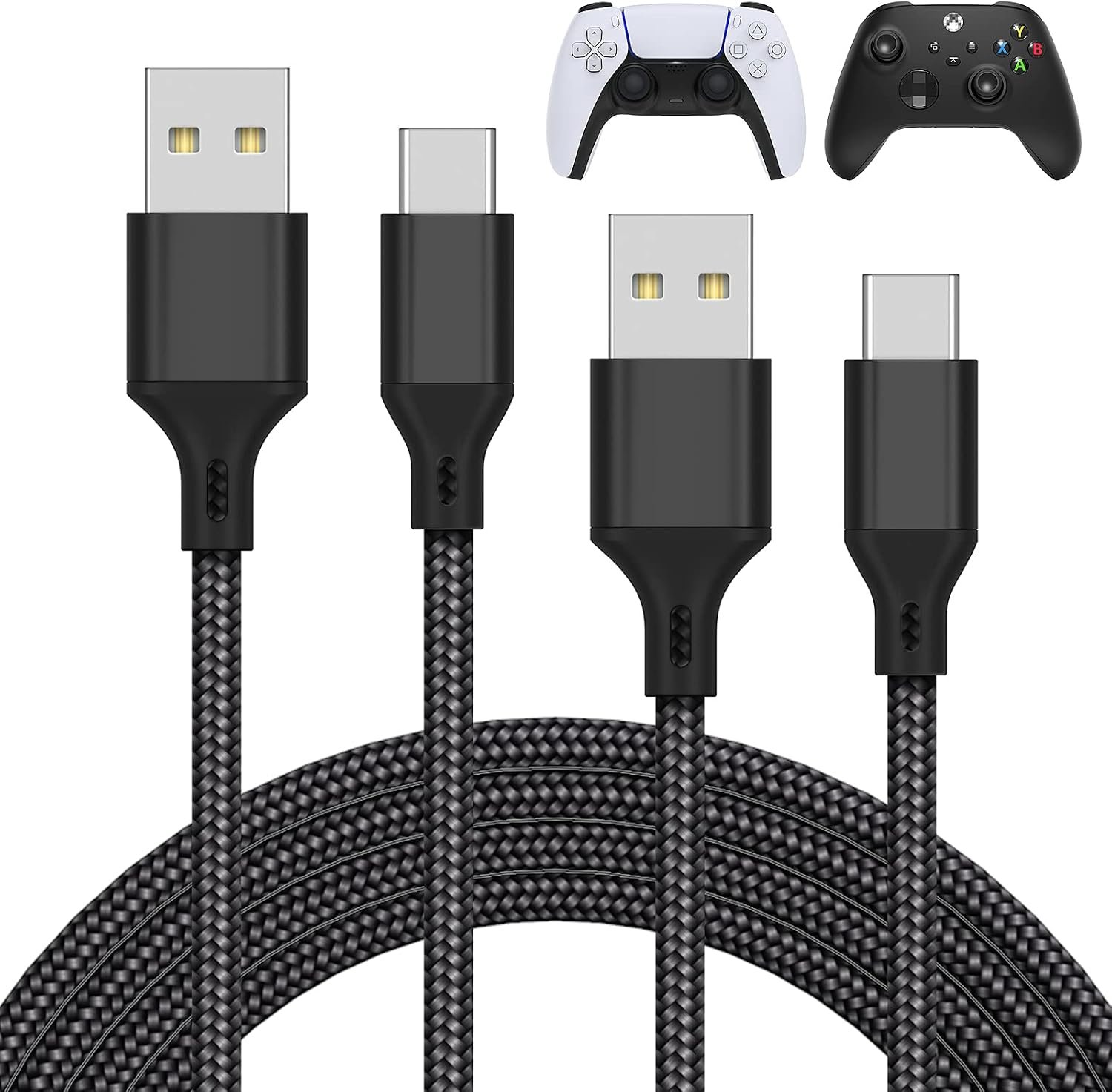
Features:
10ft length · Braided construction · USB-C connection · Reinforced connectors · Controller charging and wired play
Why You Should Have This Product
A longer cable gives you more freedom to play from your preferred position while keeping the controller directly connected to your PC.
Check on Amazon →
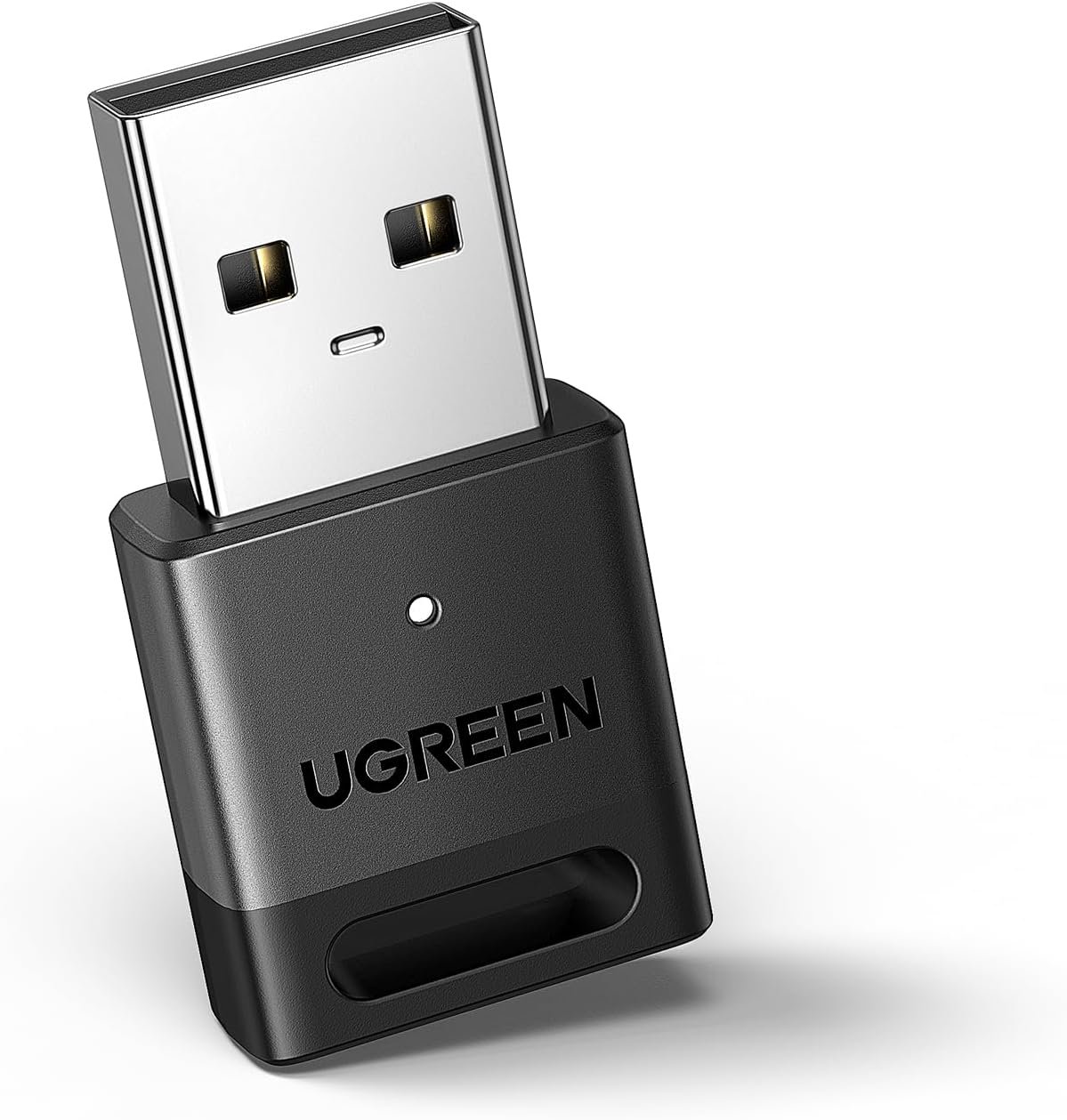
Features:
Bluetooth 5.3 · USB adapter · Multiple device support · Extended range · Windows compatibility · Compact design
Why You Should Have This Product
If your desktop does not have reliable Bluetooth, a compact adapter provides a simple way to add wireless connectivity for compatible controllers and accessories.
Check on Amazon →
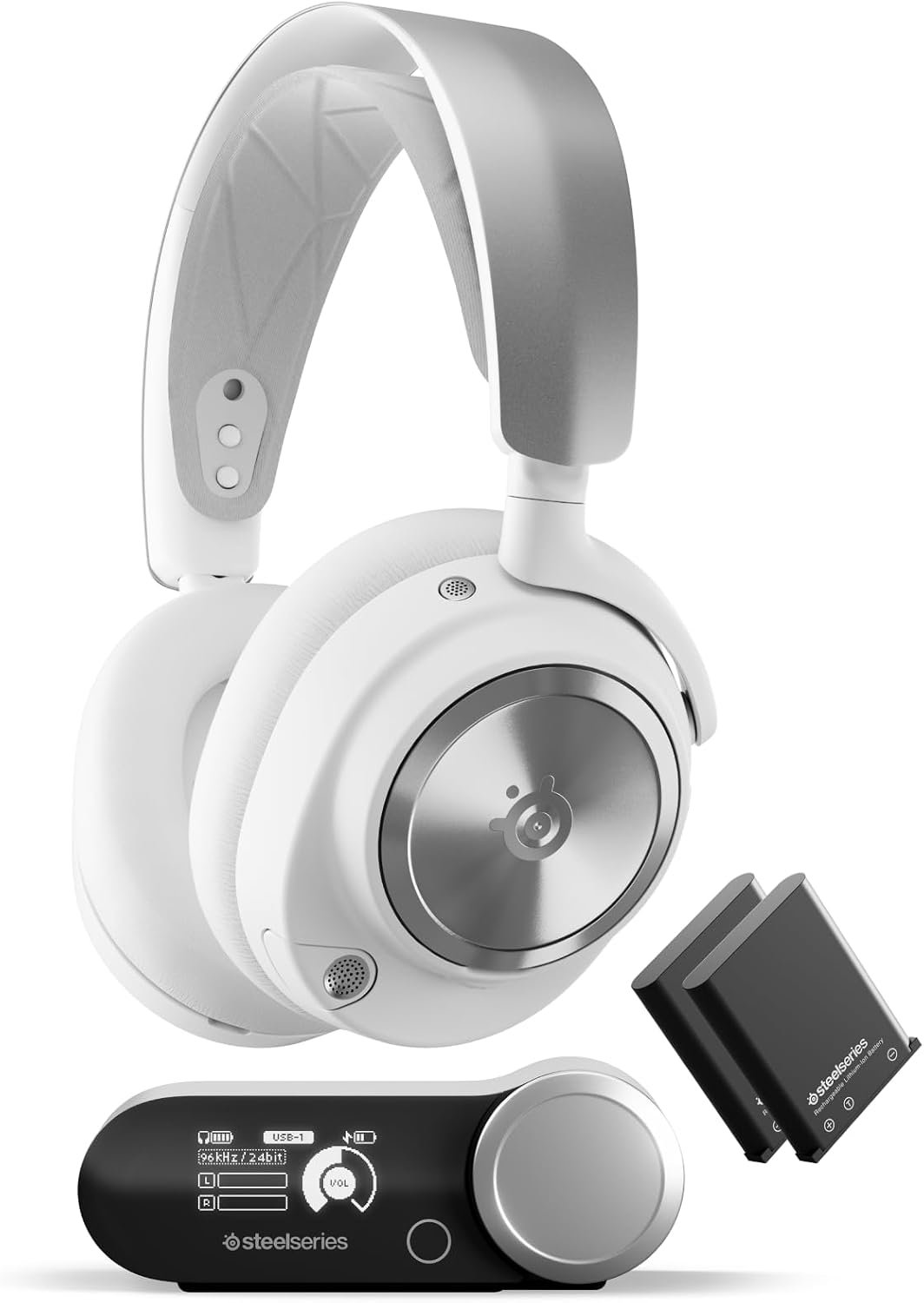
Features:
Active Noise Cancellation · Dual batteries · 2.4GHz wireless · Bluetooth · Multi-system connectivity · ClearCast microphone
Why You Should Have This Product
The combination of wireless gaming audio, ANC, Bluetooth and swappable batteries makes it ideal for players who spend long hours gaming and communicating.
Check on Amazon →
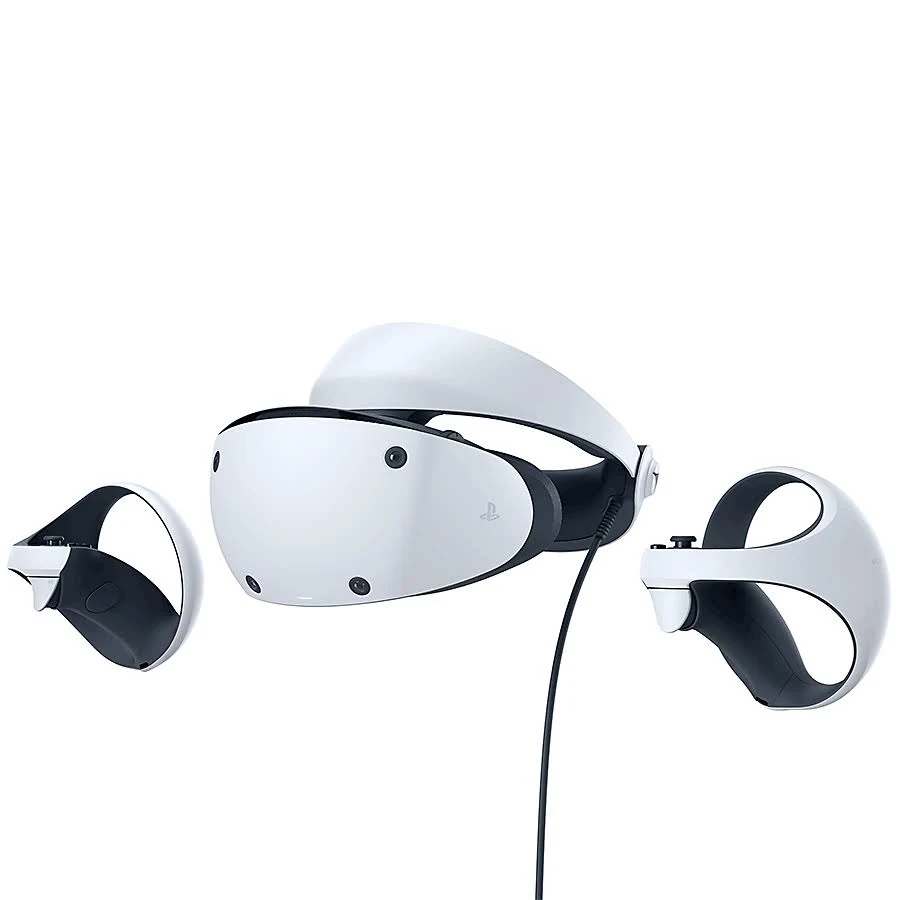
Features:
OLED displays · Eye tracking · 110° field of view · Headset haptics · 120Hz · PC support with adapter
Why You Should Have This Product
If regular gaming feels too ordinary, PSVR2 can add a much more immersive dimension to supported VR games, especially simulations and racing experiences.
Check on Amazon →
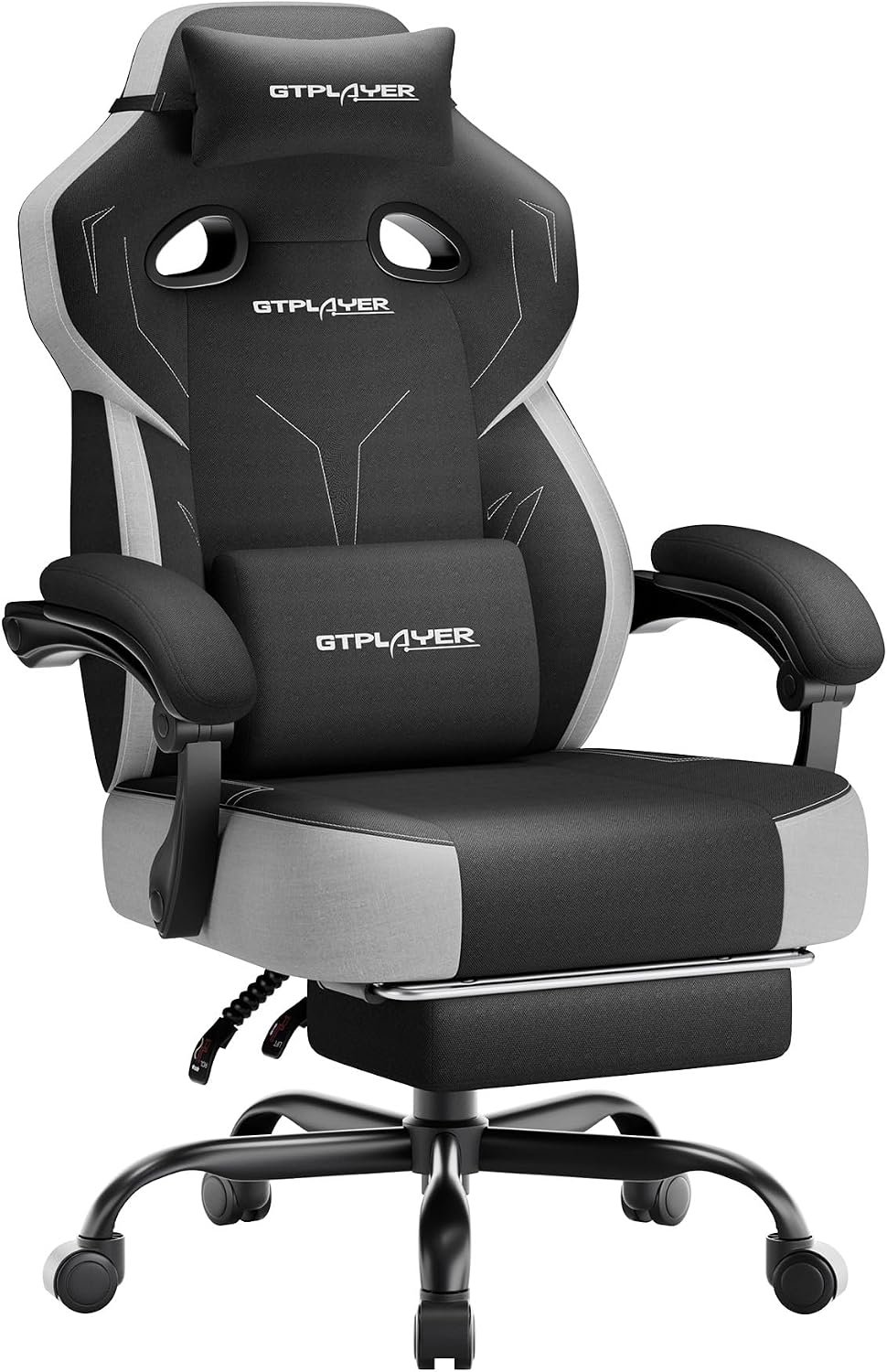
Features:
Adjustable lumbar support · 4D armrests · Reclining backrest · Memory foam head pillow · Ergonomic design
Why You Should Have This Product
For long gaming sessions, adjustable lumbar support, armrests and recline let you build a setup around your preferred sitting position.
Check on Amazon →
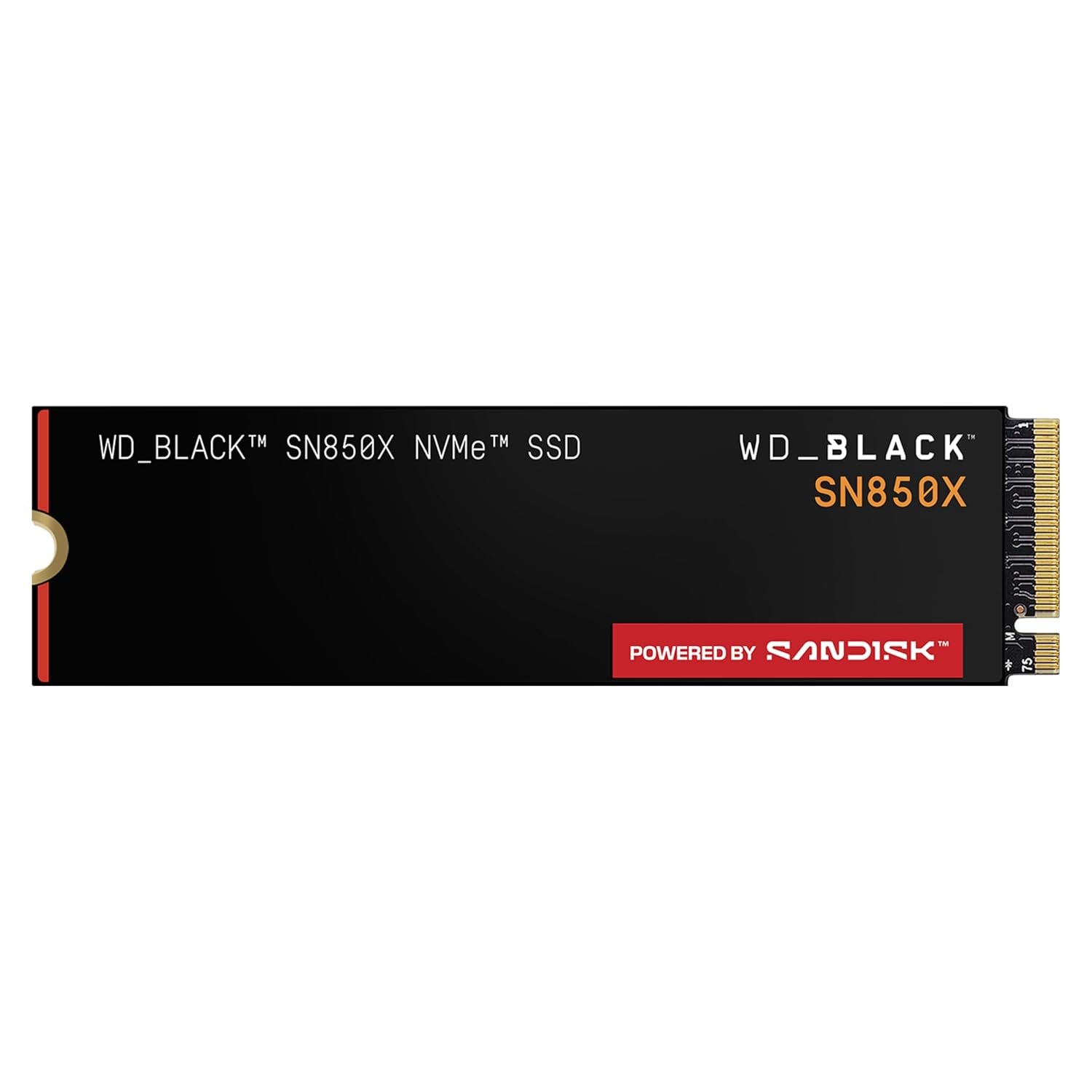
Features:
2TB capacity · PCIe Gen4 · Up to 7,300 MB/s read speed · Game Mode 2.0 · M.2 2280
Why You Should Have This Product
Modern AAA games can consume huge amounts of storage. The 2TB capacity gives you considerably more room while maintaining fast NVMe performance.
Check on Amazon →
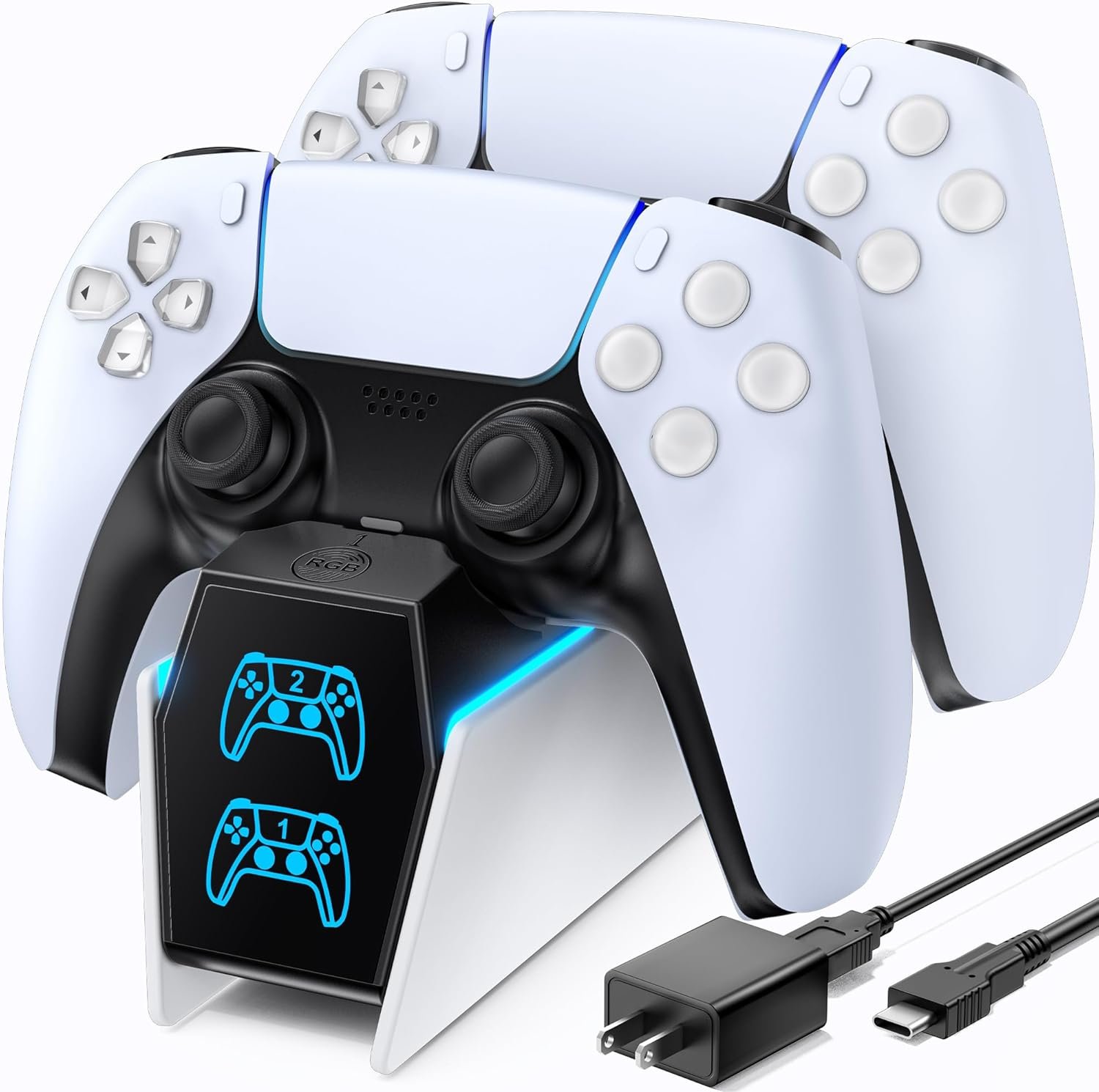
Features:
Charges two controllers · Drop-in design · Fast charging · Official Sony accessory · Dedicated power adapter
Why You Should Have This Product
A dedicated charging station keeps your DualSense controllers organized and ready while leaving your PC's USB ports available for other accessories.
Check on Amazon →
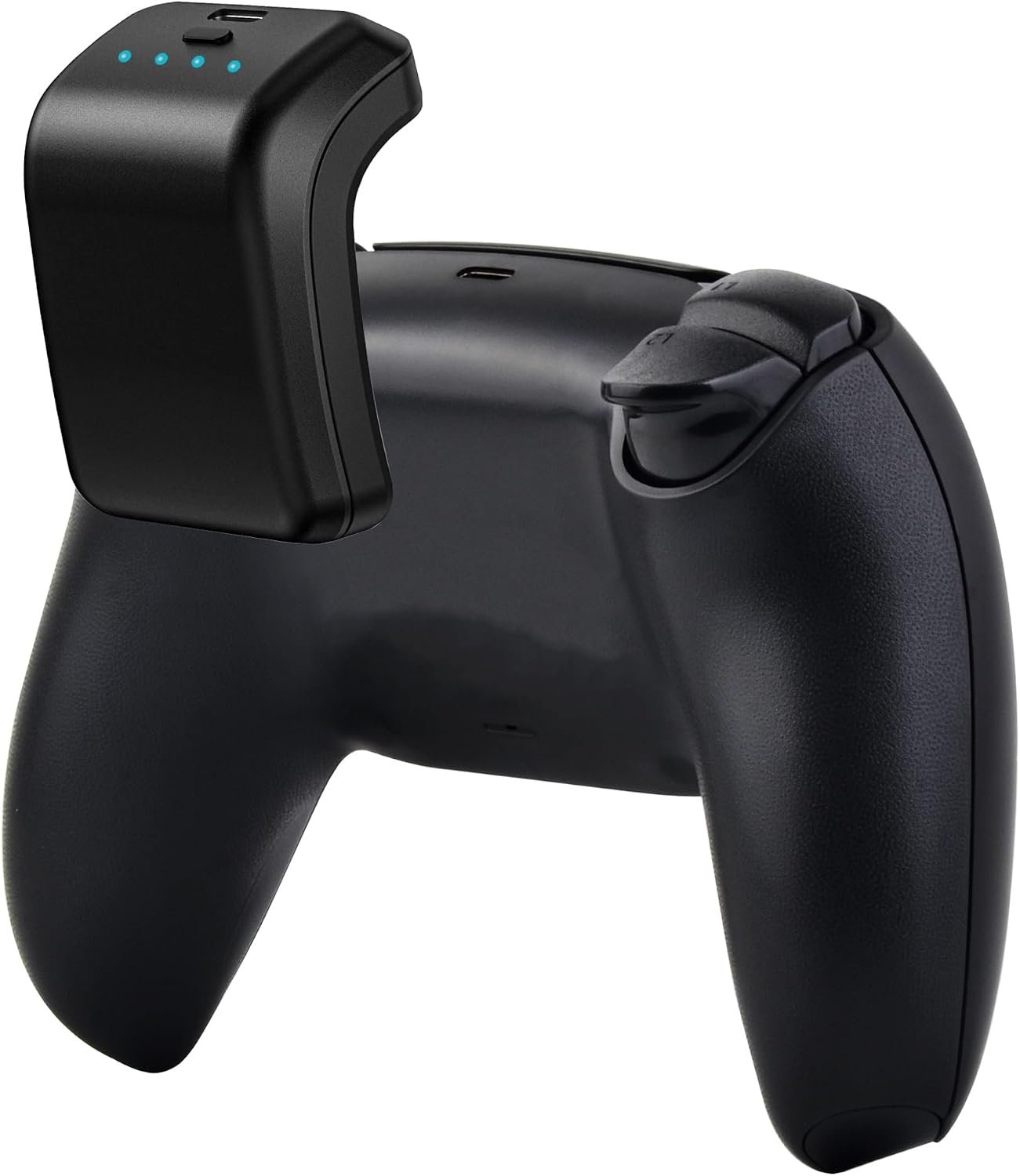
Features:
1500mAh capacity · Lightweight design · Battery indicator · USB-C charging · Pass-through charging
Why You Should Have This Product
Extra battery capacity can help extend wireless play sessions when you want to keep gaming without stopping to recharge the controller.
Check on Amazon →
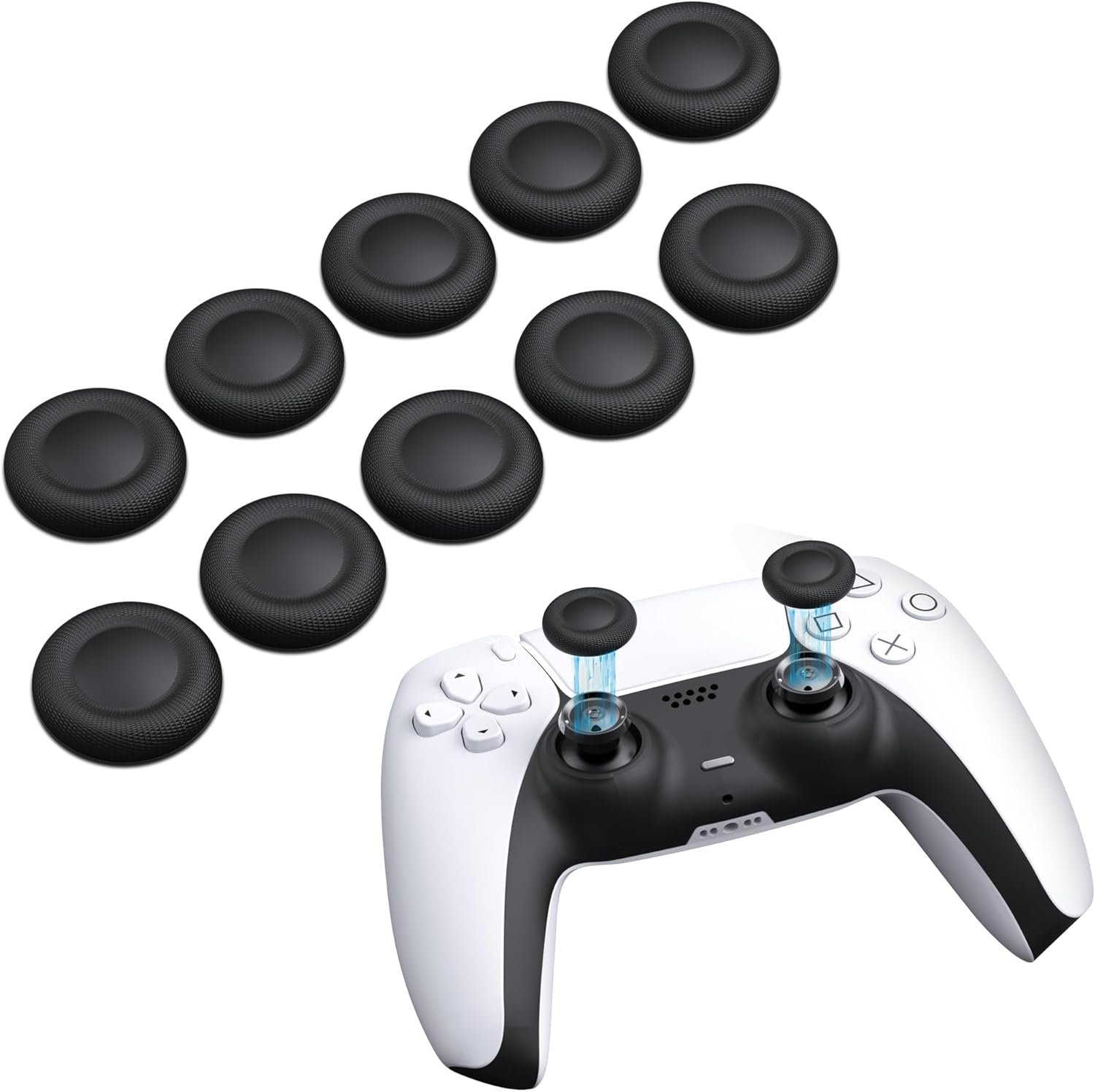
Features:
Textured silicone · Improved thumb traction · Multiple heights · Easy installation · Stick protection
Why You Should Have This Product
A more textured thumb surface can improve grip and comfort, especially when your hands get slippery during long gaming sessions.
Check on Amazon →
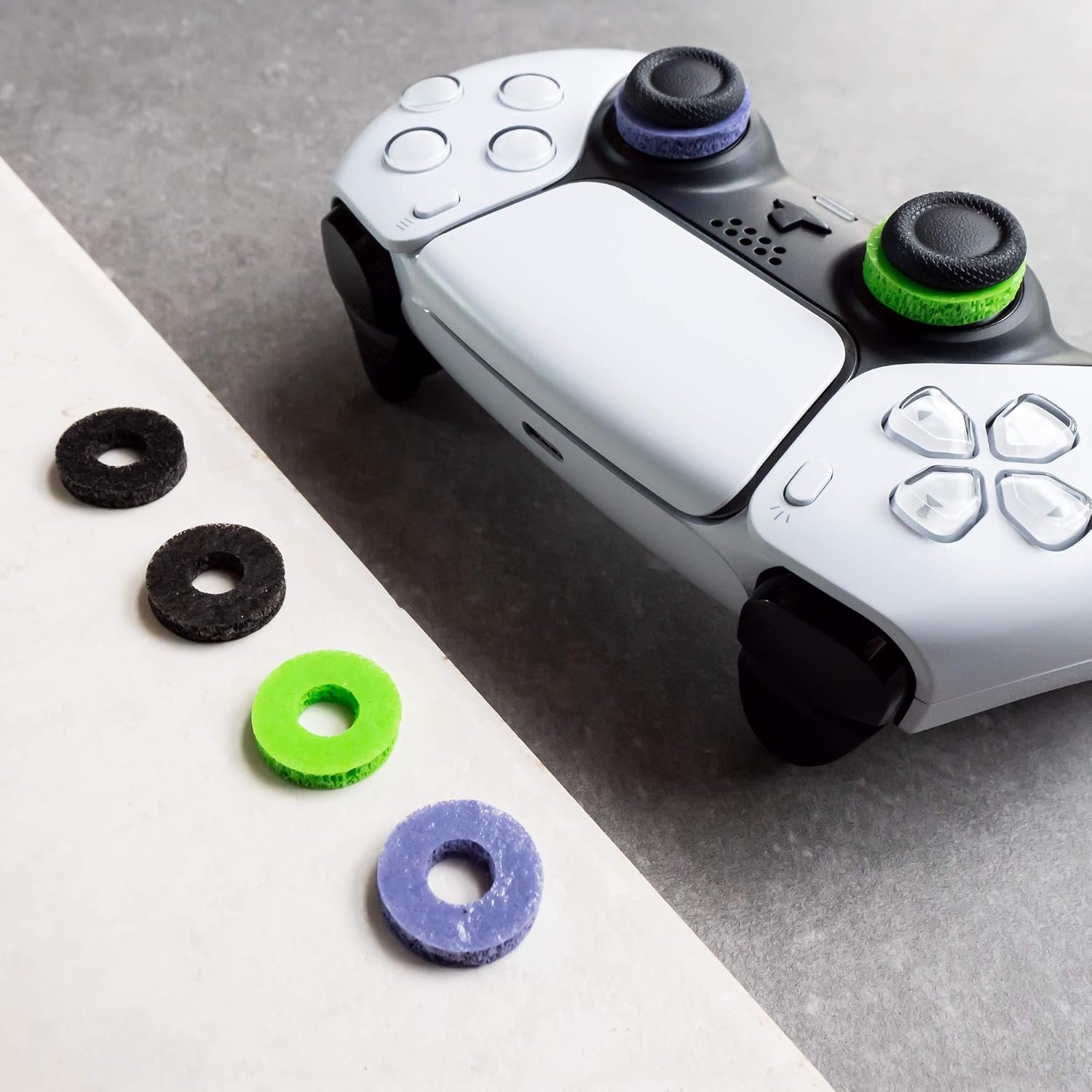
Features:
Added stick resistance · Multiple resistance levels · Soft foam construction · Precision aiming support
Why You Should Have This Product
Added resistance can give analog sticks a more controlled feel, which may help FPS players who prefer deliberate, precise aiming movements.
Check on Amazon →
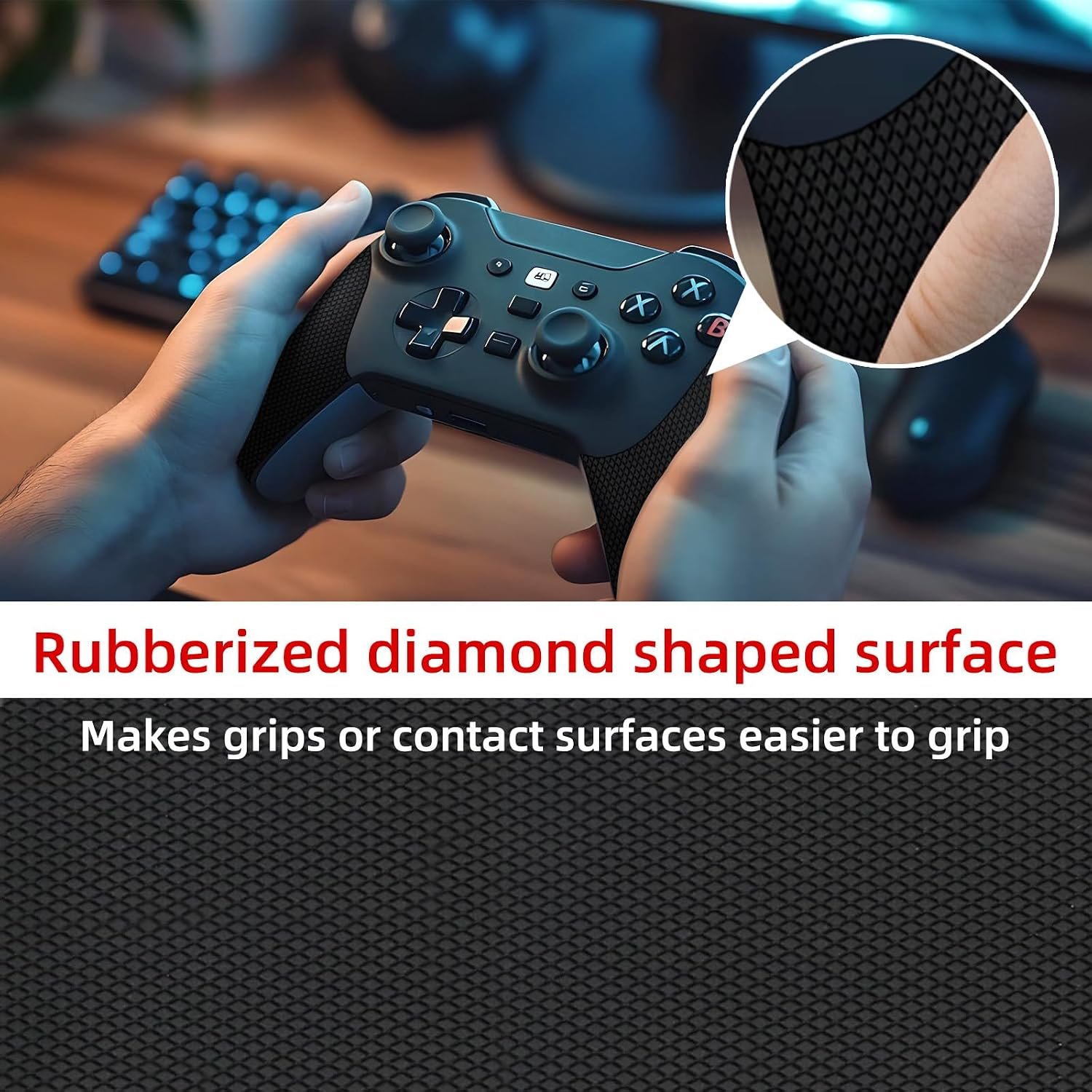
Features:
Anti-slip surface · Sweat-resistant material · Pre-cut pieces · Thin profile · Strong adhesive backing
Why You Should Have This Product
Better grip can make a noticeable difference when your hands become sweaty, helping you maintain a more consistent hold during intense sessions.
Check on Amazon →
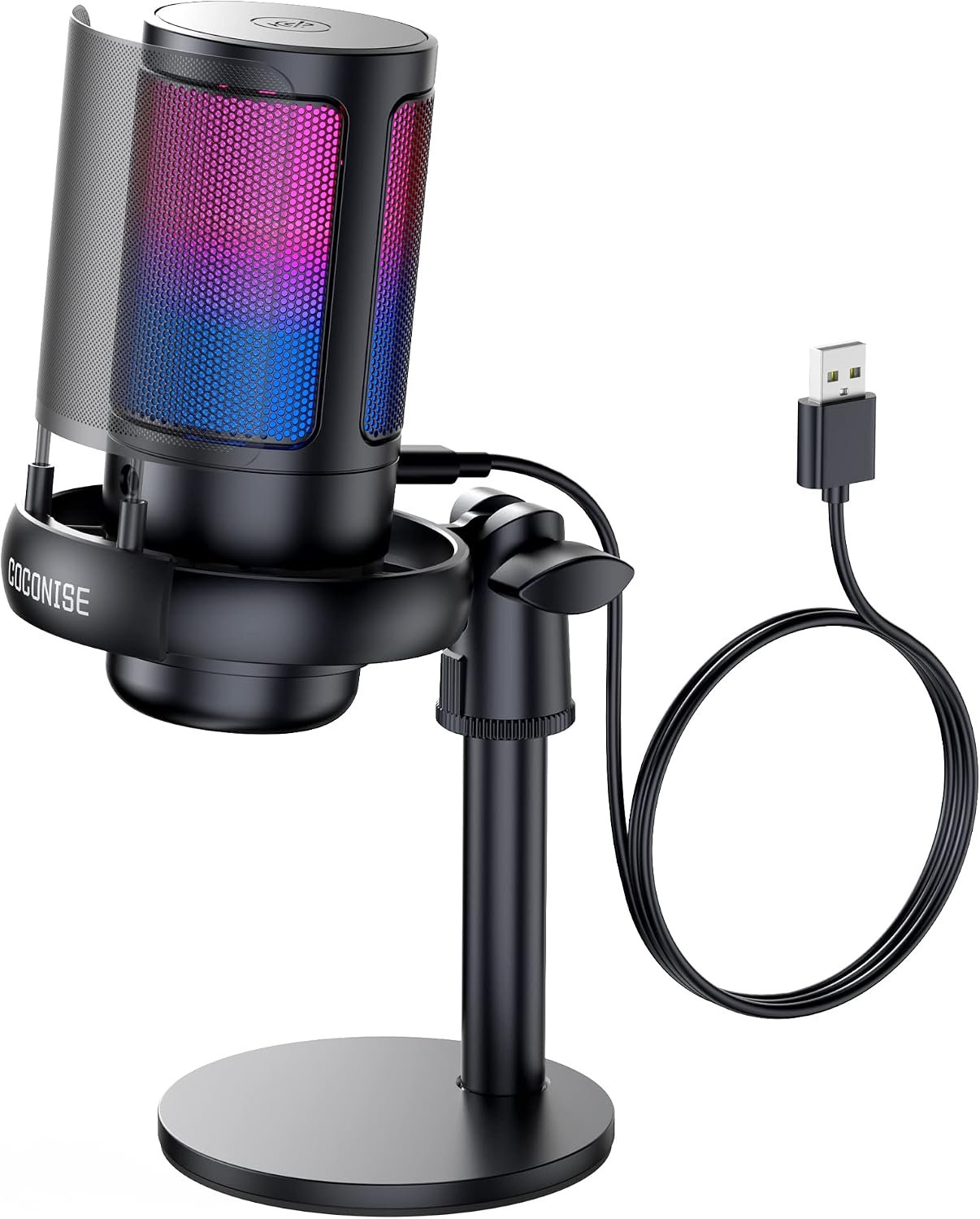
Features:
Cardioid pickup · USB connection · Boom arm · Gain control · Pop filter · Shock mount
Why You Should Have This Product
A dedicated microphone can give your Discord chats, streams and multiplayer communication a more focused voice setup than relying on a basic headset microphone.
Check on Amazon →
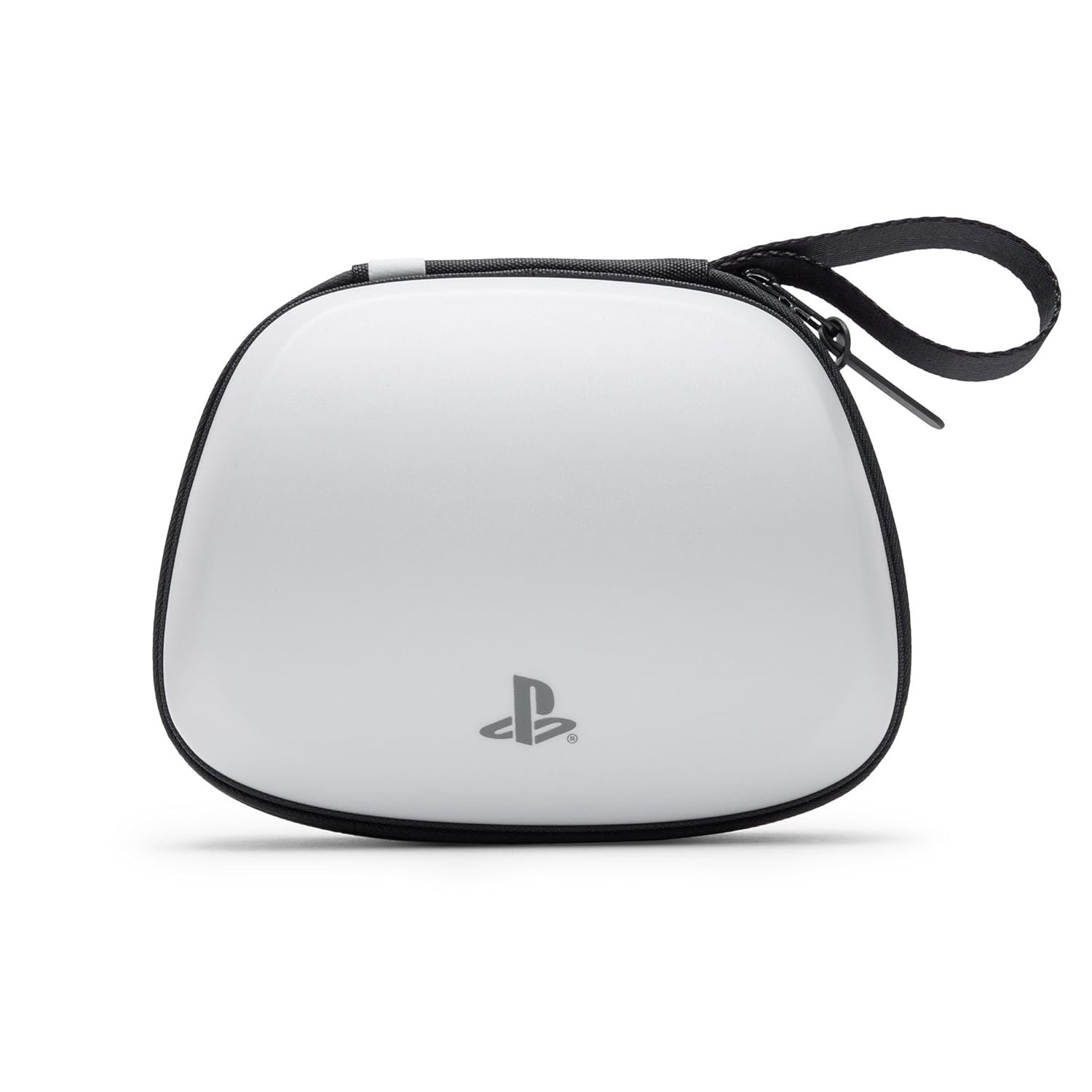
Features:
Hard EVA shell · Protective lining · Internal storage · Cable opening · Carrying handle
Why You Should Have This Product
It gives your controller a dedicated protective space when travelling or storing it with other gaming accessories, helping reduce accidental damage.
Check on Amazon →
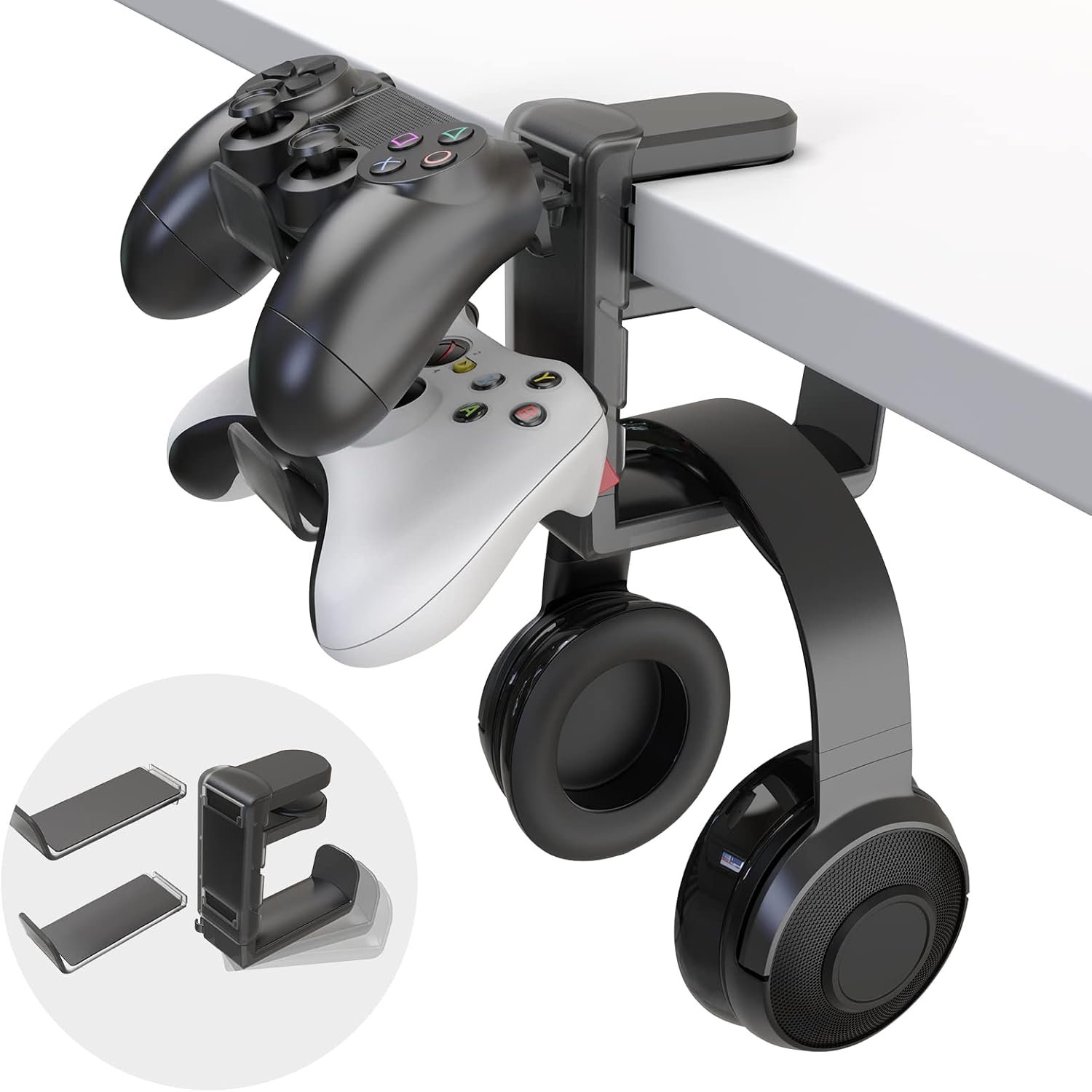
Features:
Under-desk mounting · Two-controller capacity · Adhesive mounting · Screw option · Space-saving design
Why You Should Have This Product
Keep controllers off the desk and within easy reach while creating a cleaner gaming workspace with dedicated storage.
Check on Amazon →